Roaming vs Mobile Data: What’s the Difference?
- September 15, 2026
- 11 Mins Read
- Listen
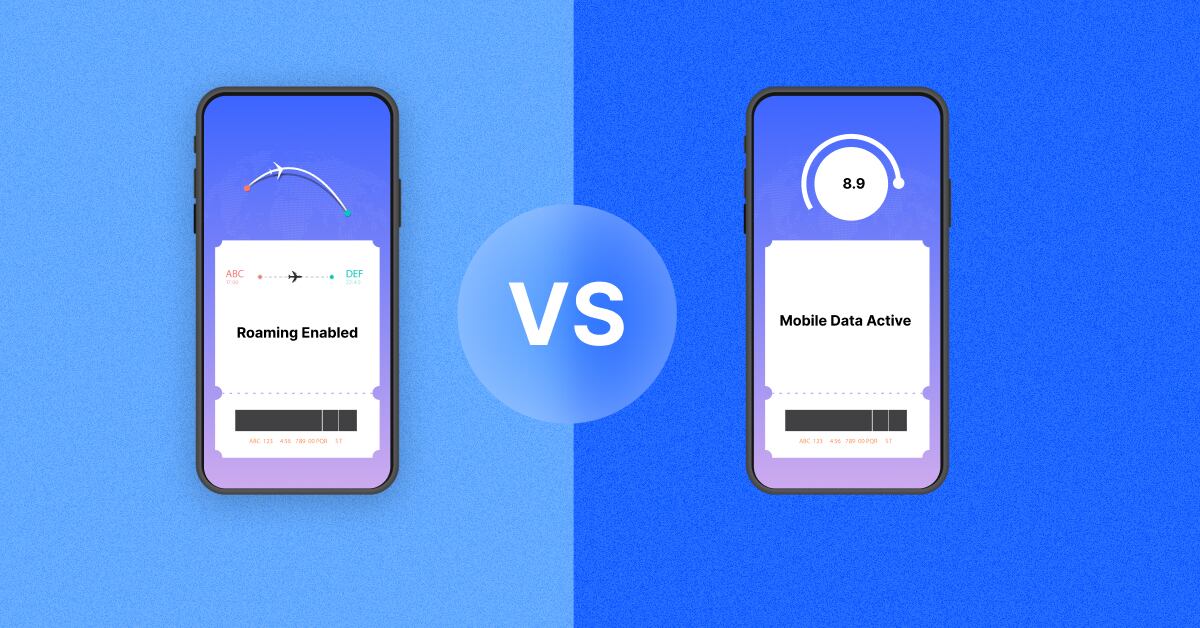
Do you also think that mobile data and roaming are two separate internet connections? Well, they are not. Mobile data lets you use the internet on your mobile phone through the cellular network. While roaming is the service that kicks in when the mobile data connection works on a network your operator doesn’t own, usually becuase you are in a foreign land.
The confusion is completely natural. Both terms, mobile data and roaming, appear in the same settings menu on your mobile phone and are often confusing. But mixing them up can cost you a lot of money. So understanding the difference can help you use the right service in the right situation.
This blog walks you through what the real difference is between roaming and mobile data. You’ll learn how to avoid paying more than you need when you are roaming abroad.
Mobile Data vs Data Roaming at a Glance
| Feature | Mobile Data | Data Roaming |
|---|---|---|
| What it does | Connects your device to the internet through cellular networks | Allows mobile data through another operator’s network |
| Where it is commonly used | Home network | Outside your operator’s network, especially abroad |
| Requires mobile data | Yes | Yes |
| Requires roaming | No, on your home network | Yes, when using a partner network |
| Additional charges | Usually part of your regular plan | May incur roaming charges |
| Common use case | Everyday internet access | Traveling internationally or outside network coverage |
What is Mobile Data?
Mobile data refers to the general term for the ability of mobile phone devices to connect to the internet through a cellular network; there’s no WIFFI router involved. This is when a mobile user’s device uses the data from their carrier’s network. In simple words, mobile data enables users to use internet services from their carrier’s network.
Mobile data allows mobile users to connect to the internet through cellular network coverage. This is useful when users don’t have access to WiFi connections. All types of internet-dependent apps and services, including social media, messaging apps, navigation apps, streaming apps, email apps, etc., can be accessed through mobile data.
Some real-life instances when you use mobile data are scrolling through a social media app while on the go, loading Google Maps to find your way while travelling, streaming a show on the train, etc.
How Does Mobile Data Work?
The working of mobile data is pretty simple. At first, your phone connects to a nearby cell tower. The tower routes your request through your carrier’s core network, and the core network forwards it off to the internet. All of this happens quite quickly, usually within a fraction of a second, which is why you don’t notice it. You tap something on your phone, and it almost instantly loads.
Now you may ask – what makes all of this possible? Well, it’s your SIM card or even an eSIM if your phone uses one. Your SIM card is basically your ID card on the network, and it conveys the carrier:
- who you are
- what plan you’re on
- and whether you’re allowed to connect
Now, if we talk about the speed and quality of the internet you receive through your mobile data connection, then it entirely depends on the technology behind it. 4G LTE has been the standard for years, handling browsing, streaming, messaging- almost everything with ease.
More recently, 5G is taking over as it is built for faster speeds and for handling way more connected devices in one area, which is important with the increase in smart homes and IoT devices.
Behind all of this is the mobile core network. It is the part that mobile phone users never see but it’s doing the real work. From figuring out where to send your data, keeping your connections alive as you move from one location to another, and managing things like your identity and billing – the mobile network does it all.
What is Data Roaming?
Data Roaming is the service that comes into action when you travel outside your home network’s covergae and your mobile device uses cellular data services by connecting to a partner network or borrowed network, which is a local carrier at the destination.
When a traveler travels outside their home country, the roaming agreements between their home carrier and foreign carriers allow them to use mobile services. This means that the deal between your carrier back home and the local network with which you’re connected now allows you to use your phone as you would do within your home carrier’s connectivity.
However, this connectivity is often accompanied by additional charges, which are usually higher than the normal data rates.
Data roaming makes your phone’s data work when you travel or roam internationally. It allows you to still connect and use the internet even when you are far from your home country. This means you can browse websites, use apps that require internet access such as social media, stream music or videos, do instant messaging, check emails, and use online maps.
How Does Data Roaming Work?
So when you are roaming, your data takes a different path than it does when you are in your home location.
- Your phone connects to the visited network (the local operator wherever you’ve landed)
- That network checks in with your home network to confirm you’re allowed
- Once your data session gets set up and routed back through to the internet.
This process is called roaming or inter-operator connectivity. It is important to understand that before roaming happens, there has to be a roaming agreement in place between the two networks, your home operator and the visited network.
As soon as you land at your destination and your phone finds a signal, the visited network authenticates you by confirming your details with your home network. This process happens in the background within a few seconds. Once everything checks out, a data session gets created, and you’re online. Your usage is monitored continously and thus roaming charges are calculated based on the roaming rates applicable for your visited country.
Roaming vs Mobile Data: Key Differences
While we have understood the basic concepts of mobile data and roaming, let’s look at the differences more specifically:
Network Used
Mobile data runs on the network you are actually subscribed to, i.e., your home operator’s network. On the other hand, roaming uses a visited operator’s network, which has an agreement for service usage with your home operator.
Where You Can Use It
Wherever your home operator has coverage, mobile data will work there. The moment you step out of that coverage, roaming takes over and keeps your connection and service working.
Billing
When you use mobile data, the usage is part of the existing plan. But roaming data is different. Depending on your roaming package, your roaming usage gets charged.
Network Ownership
When you use mobile data, your home operator is directly providing the service from beginning to end.
When roaming, a partner network is actually the one providing you with the services; however, your home network is still your primary operator. More importantly, your home operator is the one billing you and managing your account.
Configuration
Mobile data can be easily turned on from your phone’s settings menu. Roaming, on the other hand, usually has its own setting toggle.
Can You Use Mobile Data Without Data Roaming?

Actually, that depends on where you are.
If you are using your home network operator’s connection, then mobile data works completely fine. You don’t need to turn on roaming when you are within the coverage of your home operator. Now, the moment you arrive in a foreign land, or a visited network, you can’t get your mobile data working directly. You need to switch on roaming on your mobile phone, and then your mobile is likely to show full signal bars.
One thing worth knowing here is that you can keep data roaming turned off and still be online using WiFi.
Let’s understand this through a quick example: Suppose you live in France connected to your French Operator – you are using mobile data; no roaming is involved here. Now, you travel to London, and your phone connects to a London operator’s network. Here, data roaming has to be turned on for your cellular data to work.
When Should You Turn Data Roaming On?

Here are some practical instances when you should switch on roaming on your mobile phone.
Turn it on when:
- You are travelling to a foreign country, and you need your phone to work like normal
- You need mobile internet on the go and can’t rely on WiFi being around
- You have got an international roaming package on your phone
- Your home operator has a roaming agreement with a local operator in the visited land
Keep it off when:
- You don’t really need cellular data during your international trip
- You’re trying to avoid unexpected roaming charges showing up on your bill
- You’re planning to run entirely on Wi-Fi from hotel, cafe, airport, wherever
- You’ve picked up a local SIM or eSIM with its own separate data plan
Does Data Roaming Cost More Than Mobile Data?
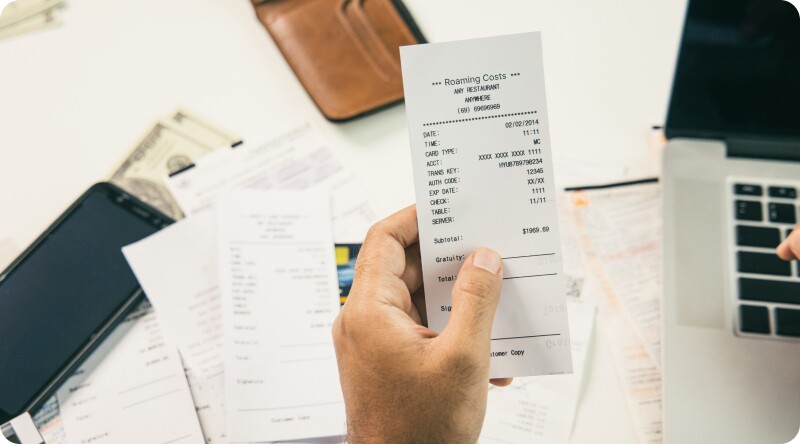
Yes, roaming charges are usually higher than mobile data. Let’s understand:
Every carrier has its own roaming rates, and the destination operator matters too. Now, some destination operators may have solid roaming agreements with your home operator, and some may not have. This gap reflects on your roaming bill. If there’s a roaming pack involved, then costs may come quite low; however, without one, you are being charged the standard rates, which are often quite high.
More than that, your data usage significantly affects the final cost. Also, prepaid users see charges deducted in real time while postpaid users are usually billed after their trip is over. And the type of service you use, i.e., voice, SMS, data, or a bundle of all three, changes the cost too.
How to Avoid Unexpected Data Roaming Charges
Prepping a little bit before you leave for your international travel can save you from a lot of roaming charges that come when a roaming bill shows up.
- Enable Data Roaming Carefully
As explained before, data roaming enables international travelers to use mobile data on a foreign network. Though it’s convenient, it can be costly if not managed properly. So you need to keep an eye on when to enable/disable data roaming.
- Pre-Download Content
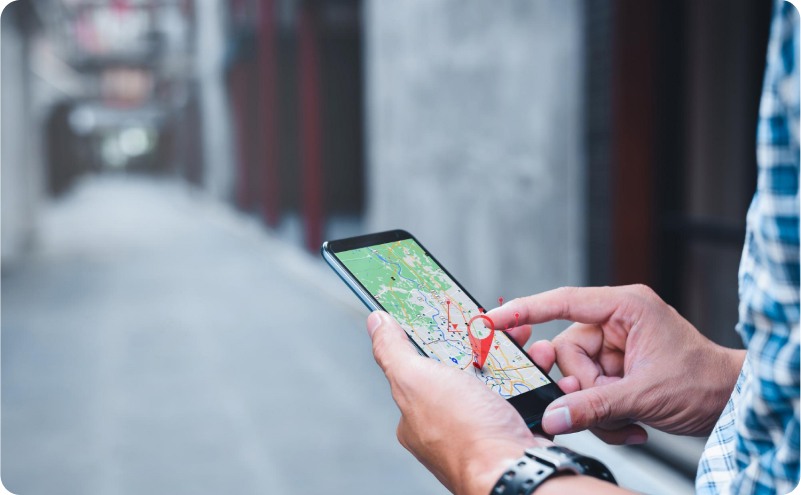
A little preparation goes a long way! Another effective trick to reduce mobile data usage while roaming is to pre-download the required content. Downloading and saving essential content such as maps, translation guides, entertainment videos, etc., on your device before leaving abroad helps in avoiding expensive roaming tariffs.
- Set Usage Alerts
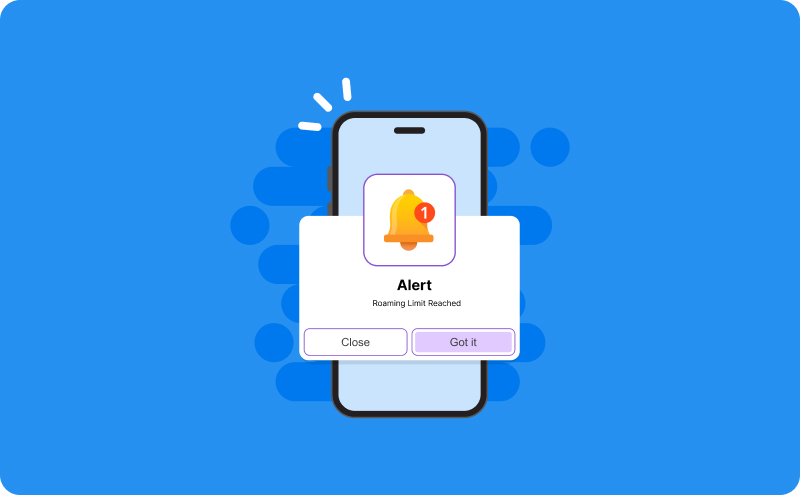
Avoid roaming bill shocks by setting data usage alerts. This helps in keeping you informed about your roaming data consumption, thus saving you from excessive charges.
- Carry Portable WiFi Hotspots
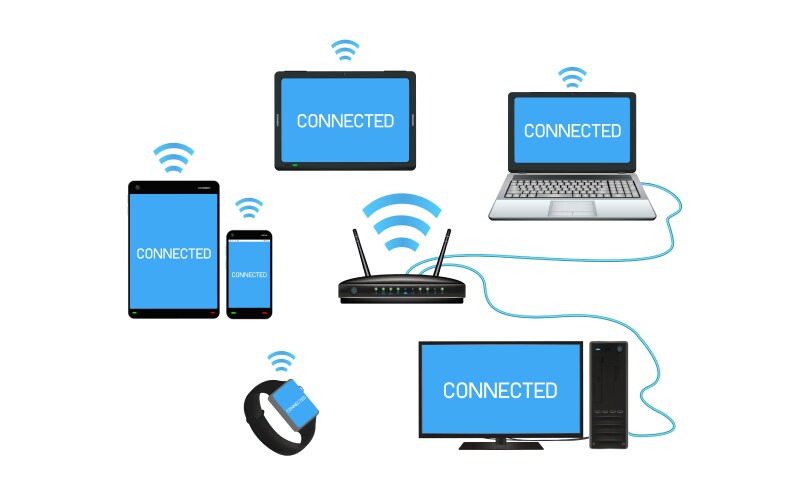
Also known as pocket WiFi, these are a secure and reliable option to stay connected to the internet while traveling. Multiple devices, including tablets, mobile phones, and laptops, can connect to portable WiFi devices.
- Leverage Public WiFi
Using public Wi-Fi at airports, cafes, hotels, and tourist spots can save you from burning through your roaming data. However, public Wi-Fi should be used with caution.
Roaming vs Mobile Data: Which One Should You Use?
To be honest, deciding between roaming and mobile data is all about where you are and what you’ve already got set up. Here’s a quick and easy way for you to decide:
|
Situation |
Recommended Option |
|
Using your phone in your home country |
Mobile data |
|
Traveling internationally with a roaming pack |
Mobile data + data roaming |
|
Traveling internationally without a roaming plan |
Wi-Fi / local SIM / eSIM |
|
Using hotel or airport Wi-Fi |
Wi-Fi |
| Long-term stay abroad |
Local SIM / eSIM often works out cheaper |
Final Takeaway!
Staying connected in a foreign land doesn’t have to be complicated or expensive. By understanding roaming vs. mobile data, you can make smarter roaming choices.
Simplest way to remember it:
Mobile data = cellular internet access
Data roaming = cellular internet access through a visited network
That’s really the whole distinction between roaming and mobile data. Everything else, including the charges, the settings, the country-hopping, just builds on that one core idea.
Frequently Asked Questions